Rudra 1.1.1 has no new mode. It is an update about the details you notice while you practice: the letters under your notes, the sound of the kit, and the marks that show how you played. It is on the App Store and Google Play now.
Your hands, in your language
A sticking pattern tells you which hand plays each note. Until now, Rudra wrote L and R in every language. But a French drummer reads G and D, for gauche and droite, and Portuguese and Spanish drummers read E and D or I and D. Rudra now uses the letters of the app’s language, in the circles, the editor and the legend, so the pattern on screen looks like the one your teacher writes.
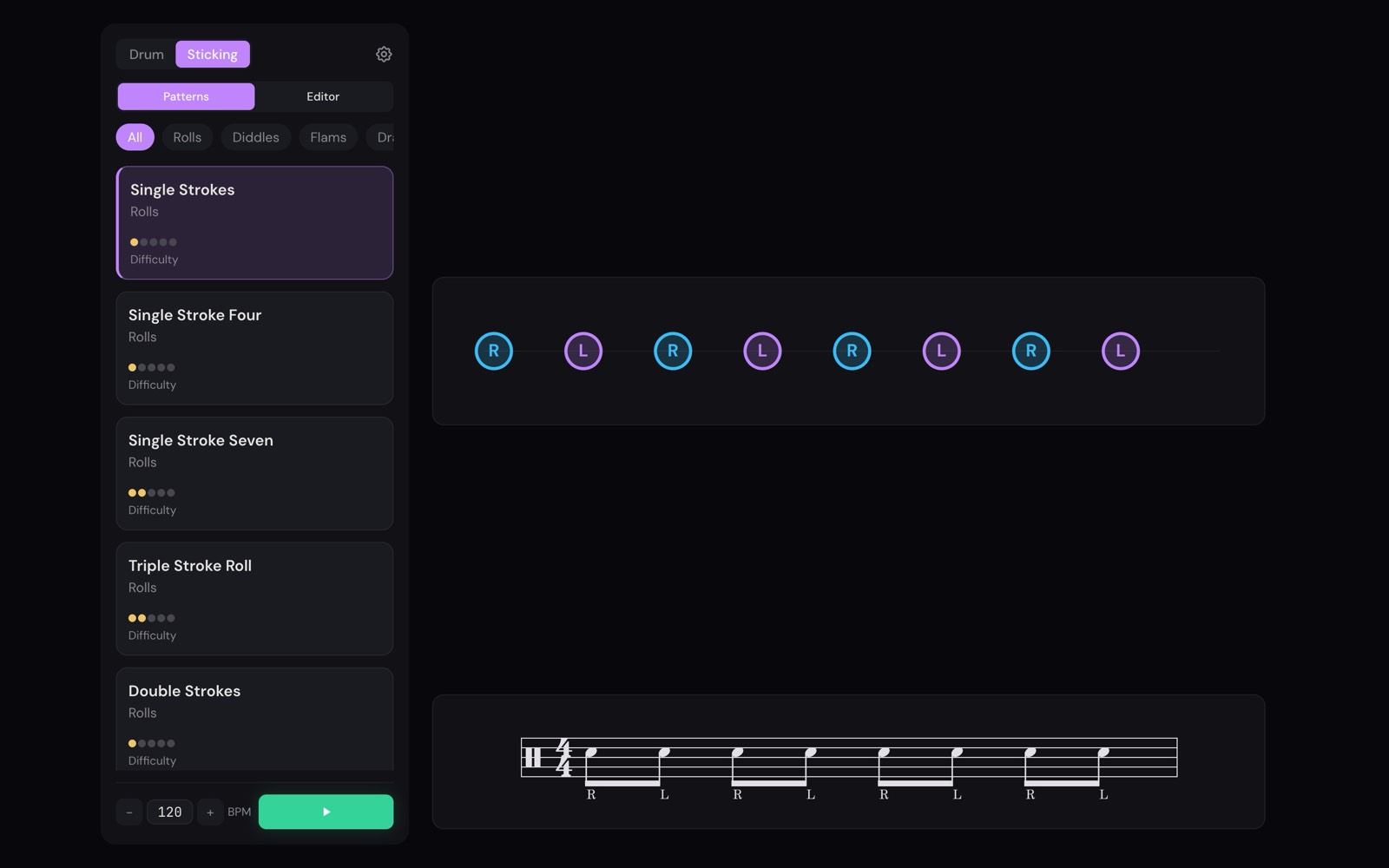
The Portuguese version also moves to European Portuguese, because Rudra is sold in Europe.
A kit that sounds clean
On a downbeat, the kick, the crash and the hi-hat often land together. Before 1.1.1, those sounds added up to more than the output can carry, and the result distorted. Now every drum goes through one master level with headroom and a limiter, so a full downbeat stays clean.
We also balanced the drums again, by ear. The kick used to sit under the snare and toms; now it doesn’t. The count-in click had become the loudest sound in the kit, so it is softer now.
Marks you can trust
With an e-drum kit, Rudra shows each hit as on time, early, late, or missed. A miss should mean one thing: you did not play a note you were asked to play. In a few cases, Rudra marked misses you could not do anything about. 1.1.1 fixes them.
If you mute a drum, it no longer collects misses. Marks from before your kit connected are cleared when it connects. If your first note lands a little early, during the count-in, it now counts as a hit. And if you change a pattern while it plays, your results stay on screen.
Smaller fixes
The screen now stays on while a pattern plays, so you can practice without touching it. On iPhone, the calibration click plays even when the silent switch is on. On Android, a pattern you export to Google Drive is saved correctly, and you can import it again.